Mobile App (Flutter)
Configure, rebrand, build and publish the Android and iOS app.
Before you start: Firebase and your own accounts. Push notifications use Firebase Cloud Messaging (FCM), a Google service. You create your own Firebase project, accept Google’s terms (Firebase / Google APIs Terms of Service) and are responsible for any Firebase charges and for the privacy disclosures in your store listings. No Firebase files ship with the item (no google-services.json, no GoogleService-Info.plist, no Firebase keys). Without them the app builds and runs normally; only push notifications are off (no device tokens are registered and no notification banners arrive; the in-app notification list still works through the API). Publishing also needs your own Apple Developer and Google Play Console accounts. The app has no Google Sign-In and no Sign in with Apple: users sign in with e-mail and password, so no OAuth clients are needed. Set-up: Firebase Push; costs: Accounts & Costs and Third-Party Services & Costs.
What the App Does
A native Flutter app for Android and iOS (no WebView wrapper) for the members of your customers’ companies. It talks only to your platform’s /api/v1 REST API with Sanctum bearer tokens; no AI provider keys or payment credentials are ever stored in the app. State management is GetX and the HTTP client is Dio. Version 1.0.0+1.
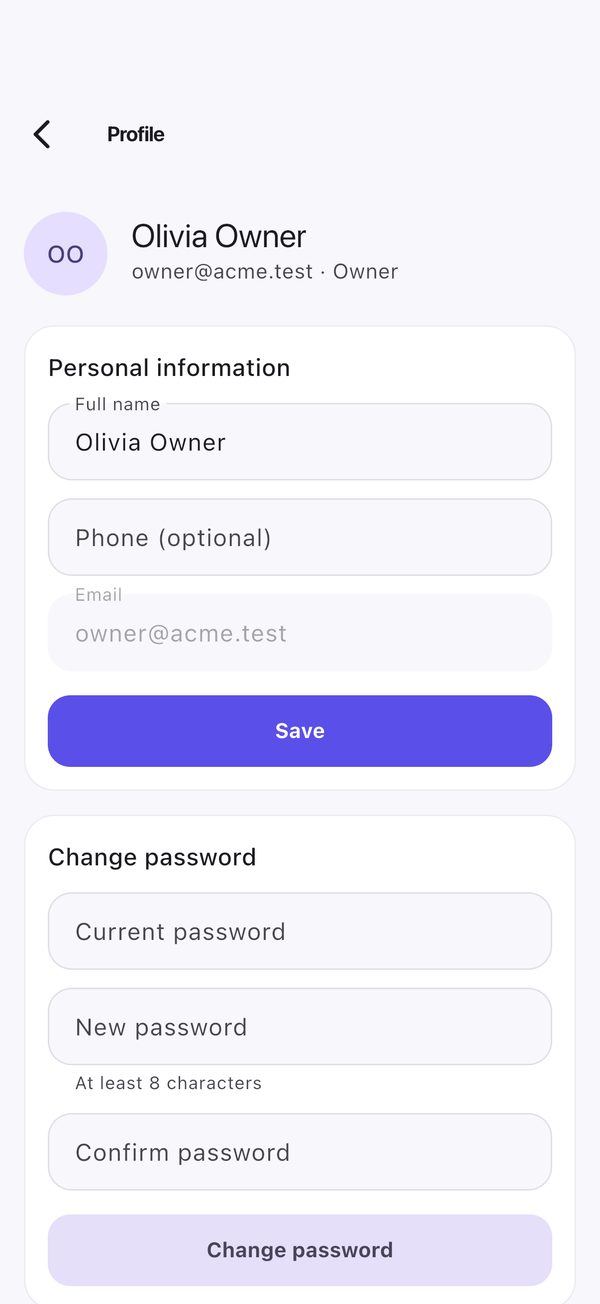
- Account and workspace: login with the two-factor code step (authenticator or recovery code), registration (Terms acceptance required), e-mail-code verification, password reset, device sessions, workspace picker and switching, profile, biometric lock with PIN fallback.
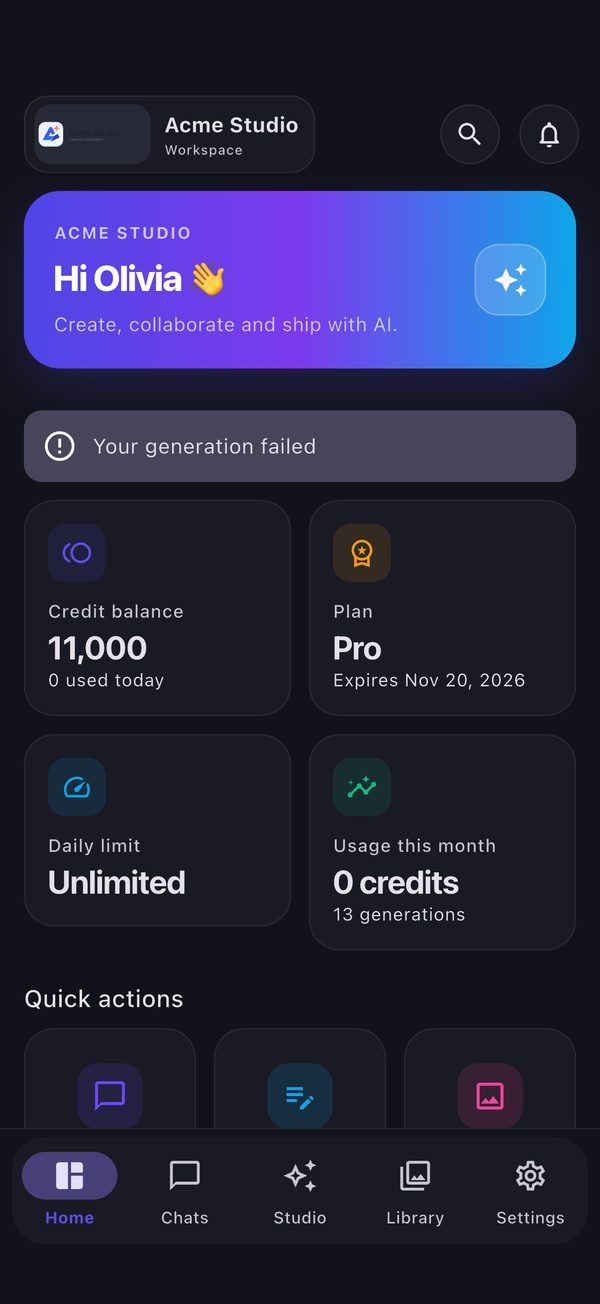
- Home: credit balance, plan and expiry, daily limit, usage this month and quick actions; low-credit, subscription and job alerts.
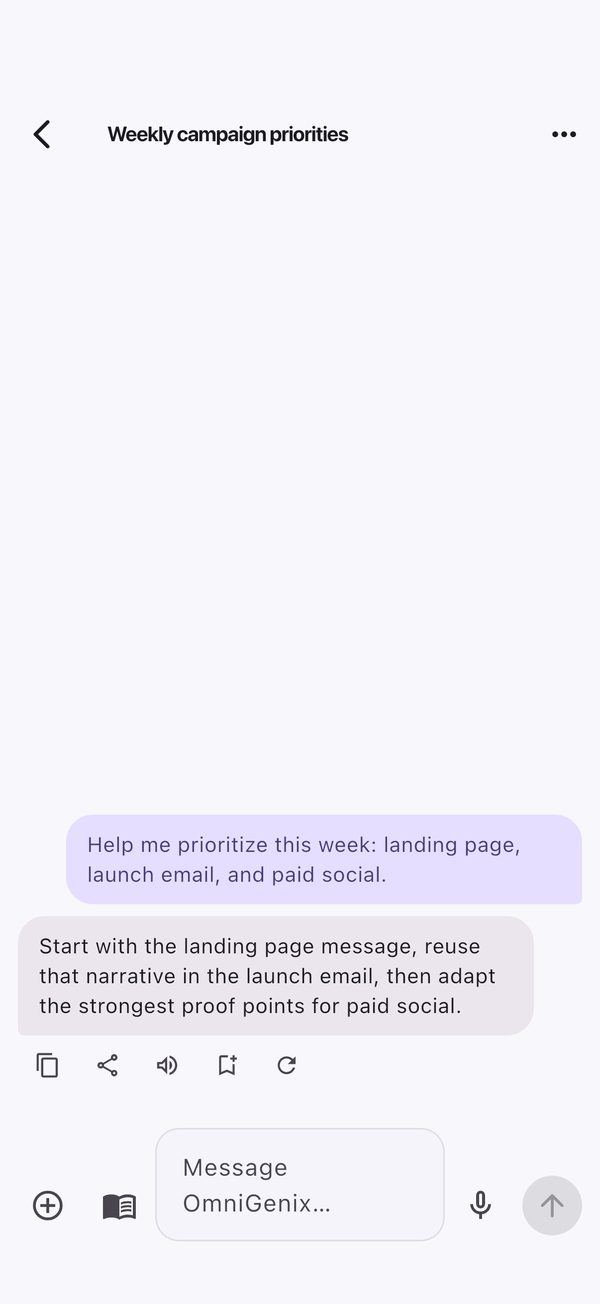
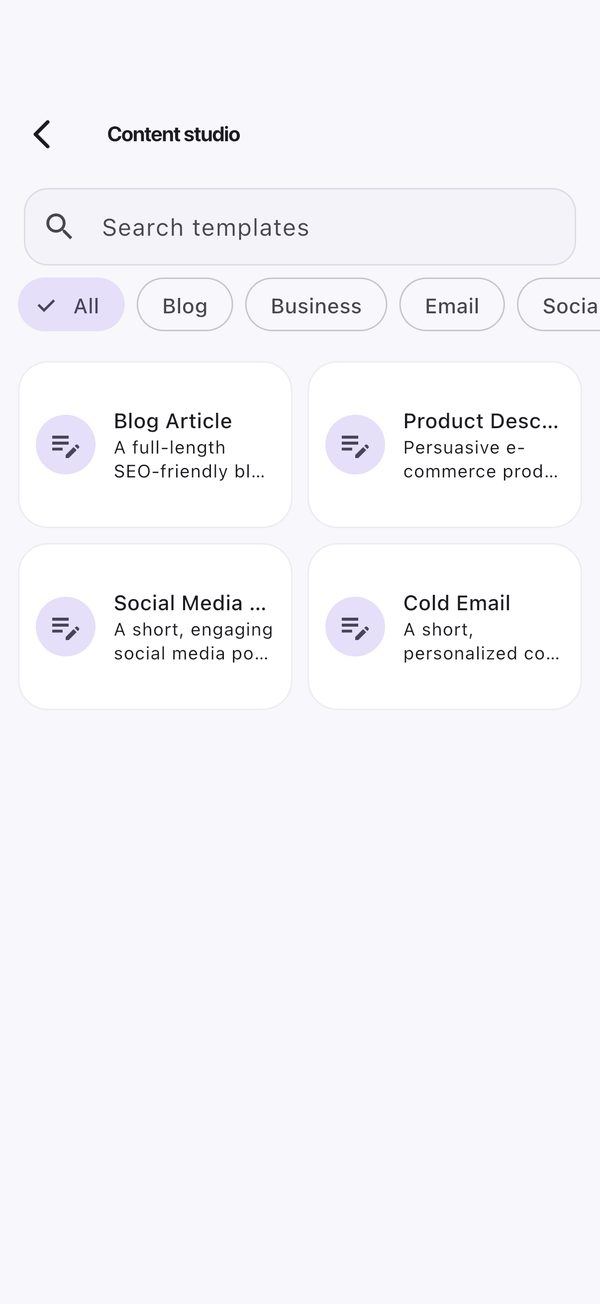
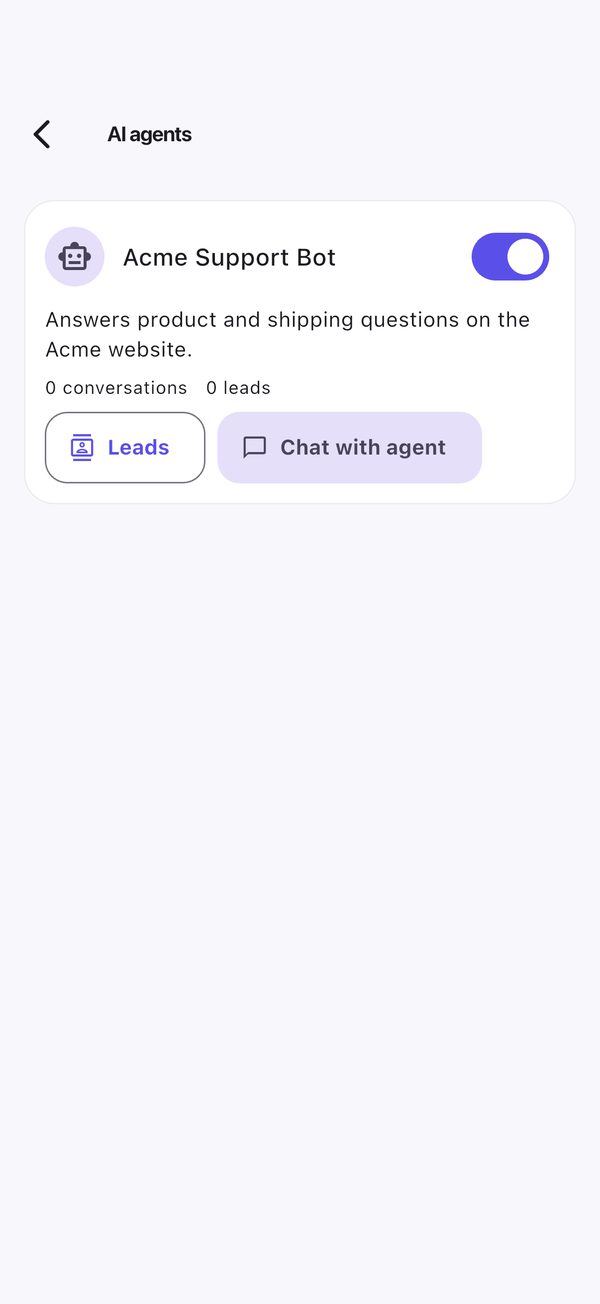
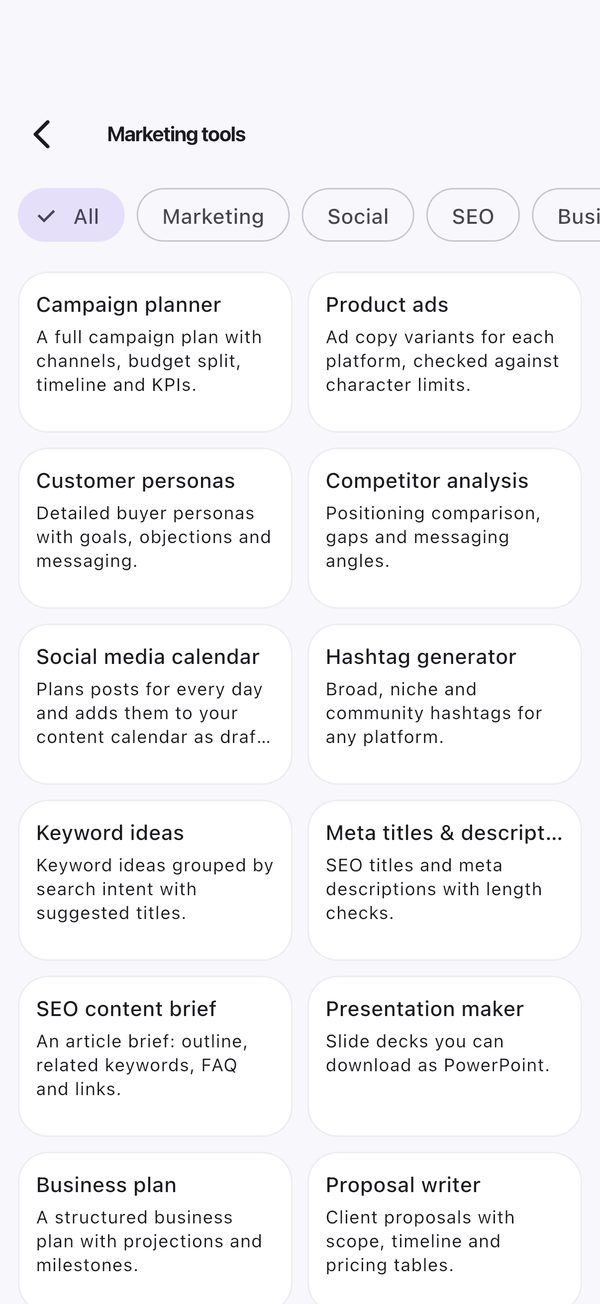
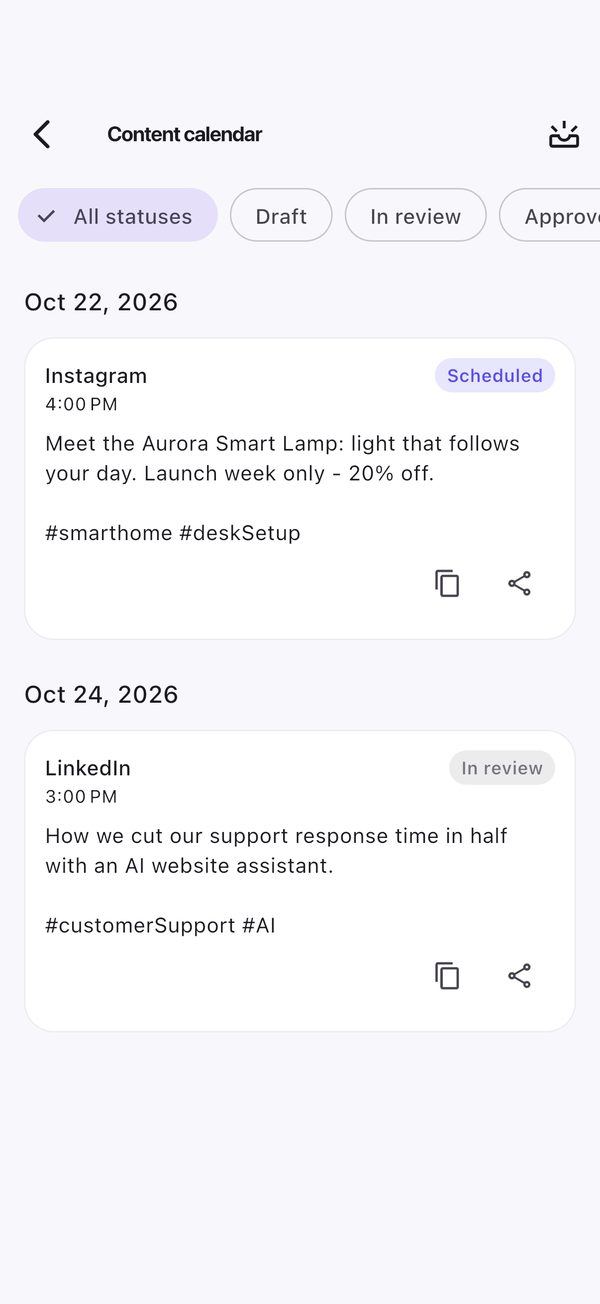
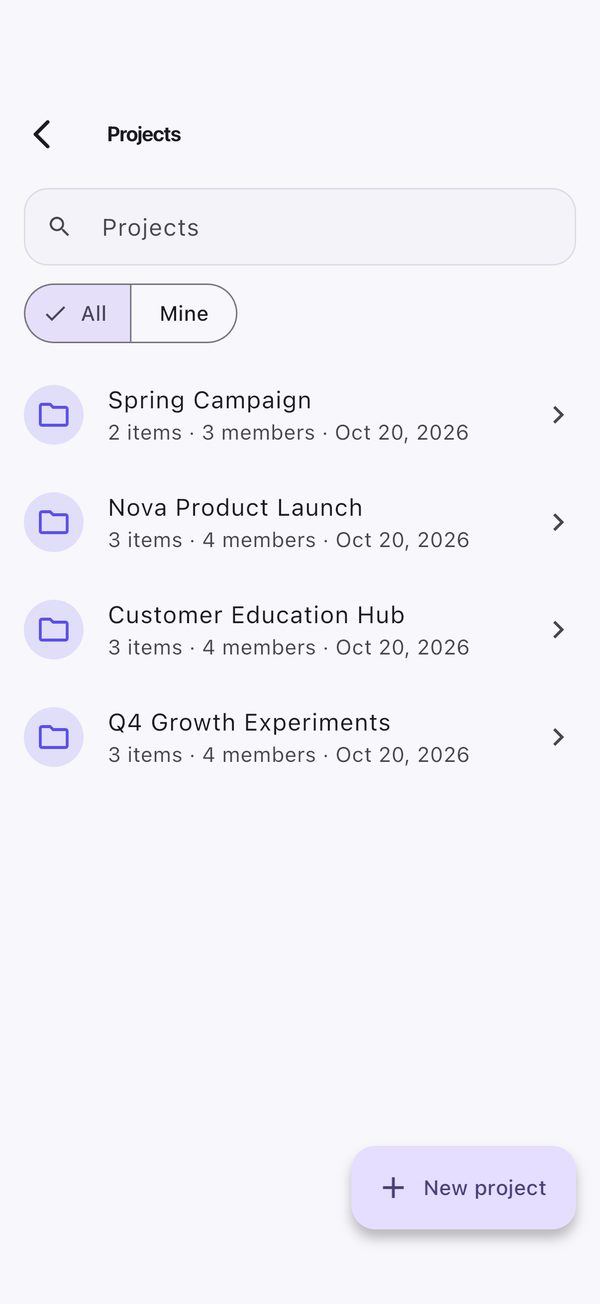
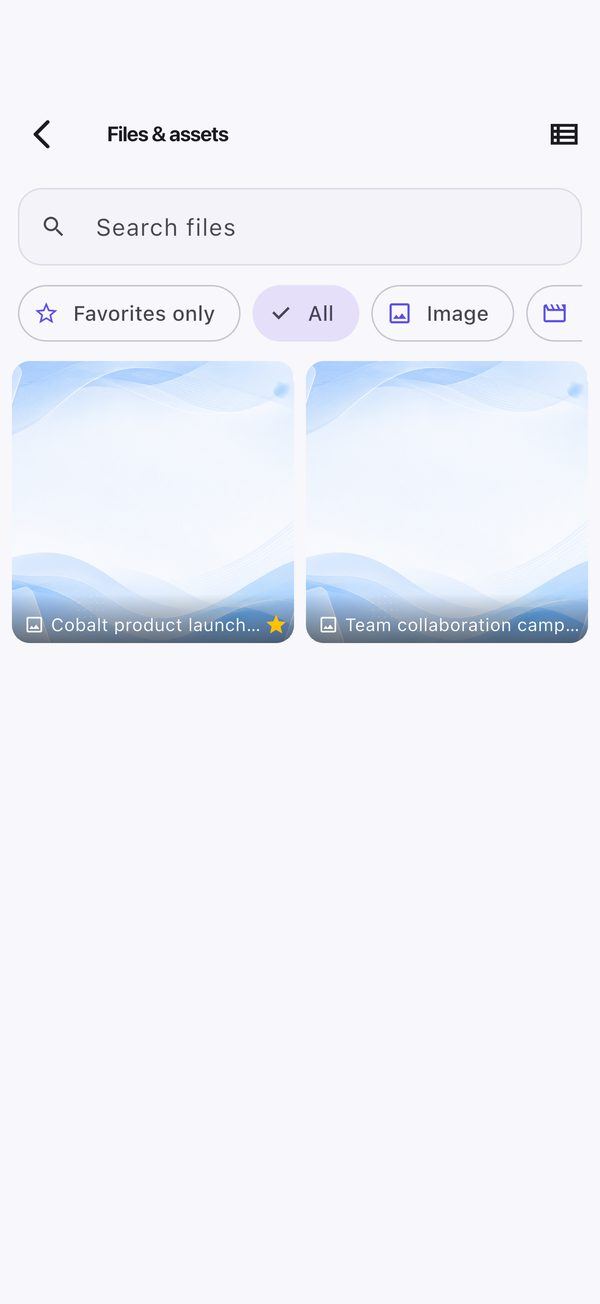
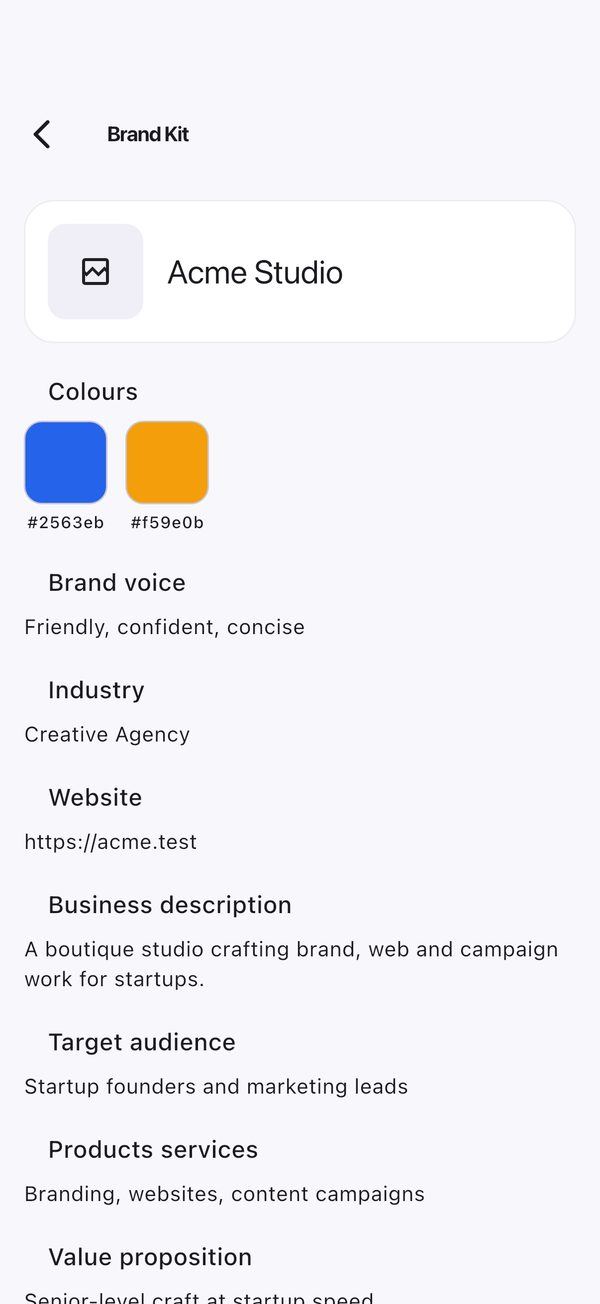
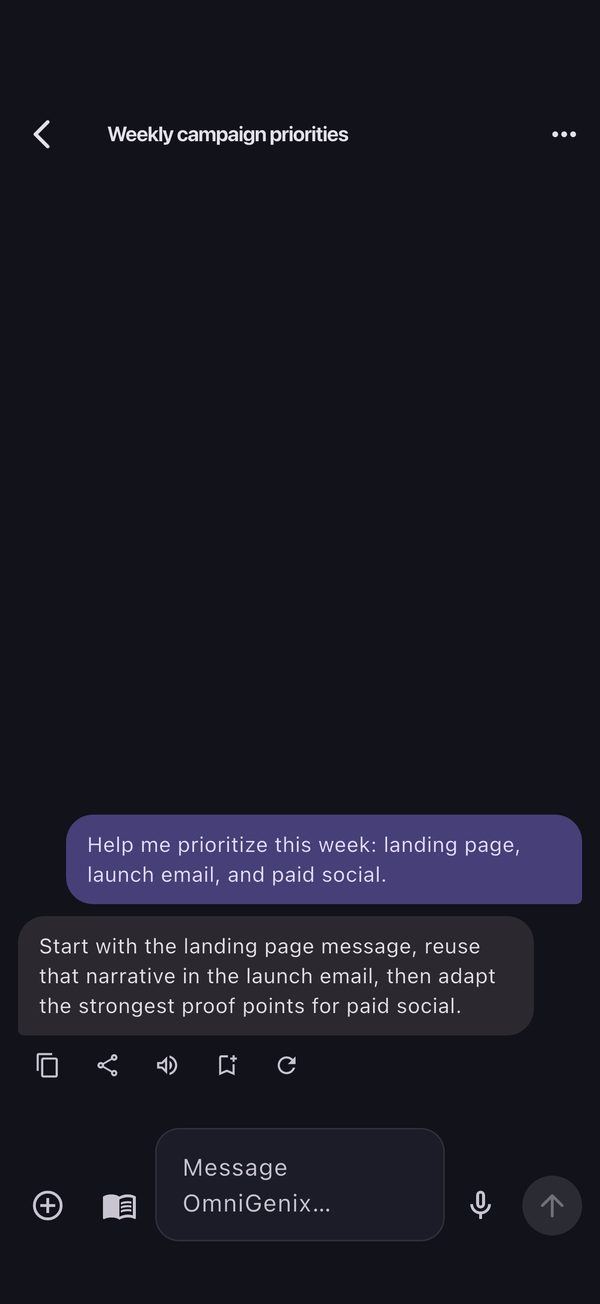
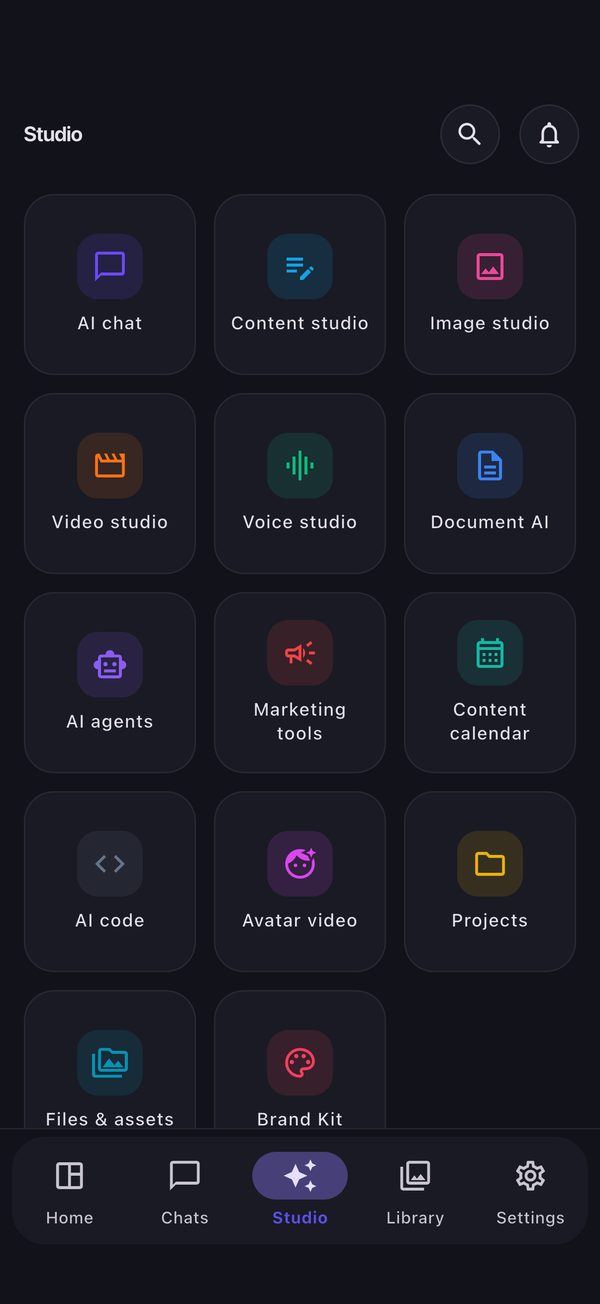
- Studio: AI chat (streaming, history, attachments, prompt picker, voice input, read-aloud), Content, Image, Video, Voice (text-to-speech and speech-to-text), Document AI (with a document scanner), AI agents, Marketing tools, Content calendar, AI code, Avatar video, Projects, Files & assets and Brand Kit.
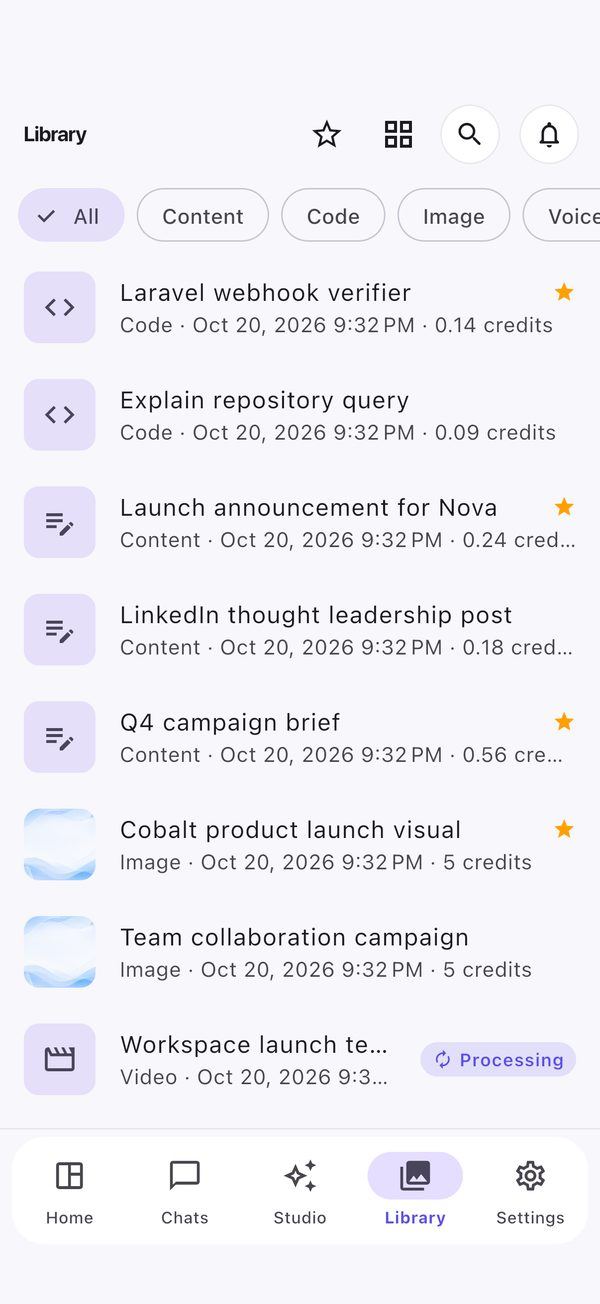
- Library: generation history with filters and favourites; duplicate, remix and regenerate.
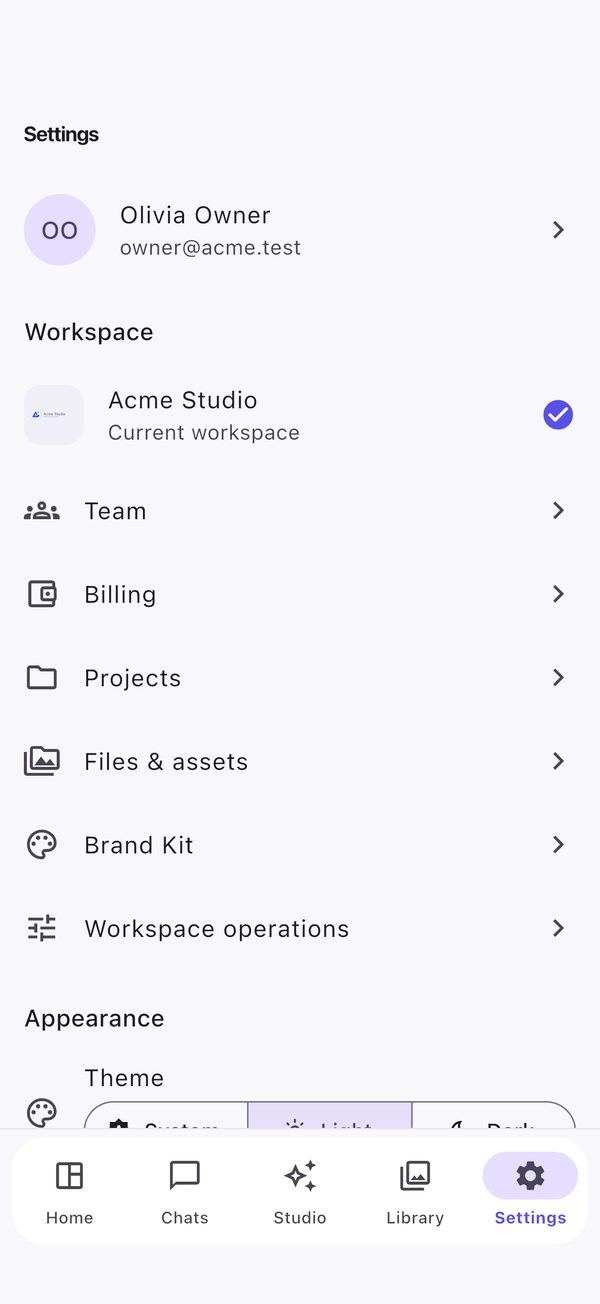
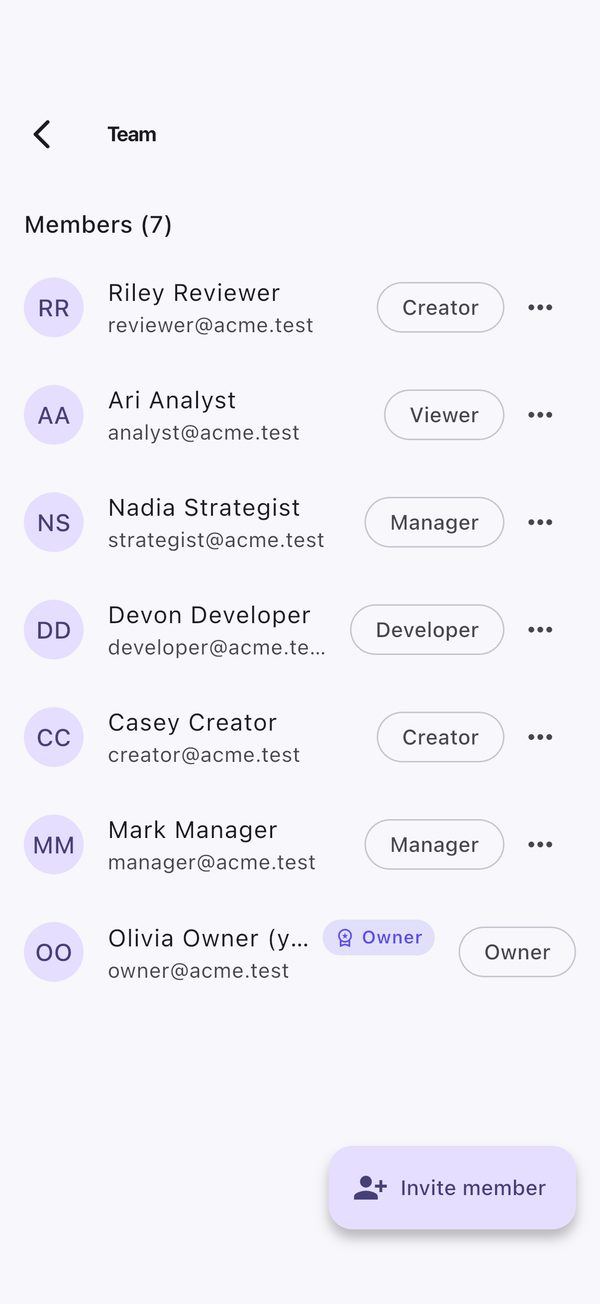
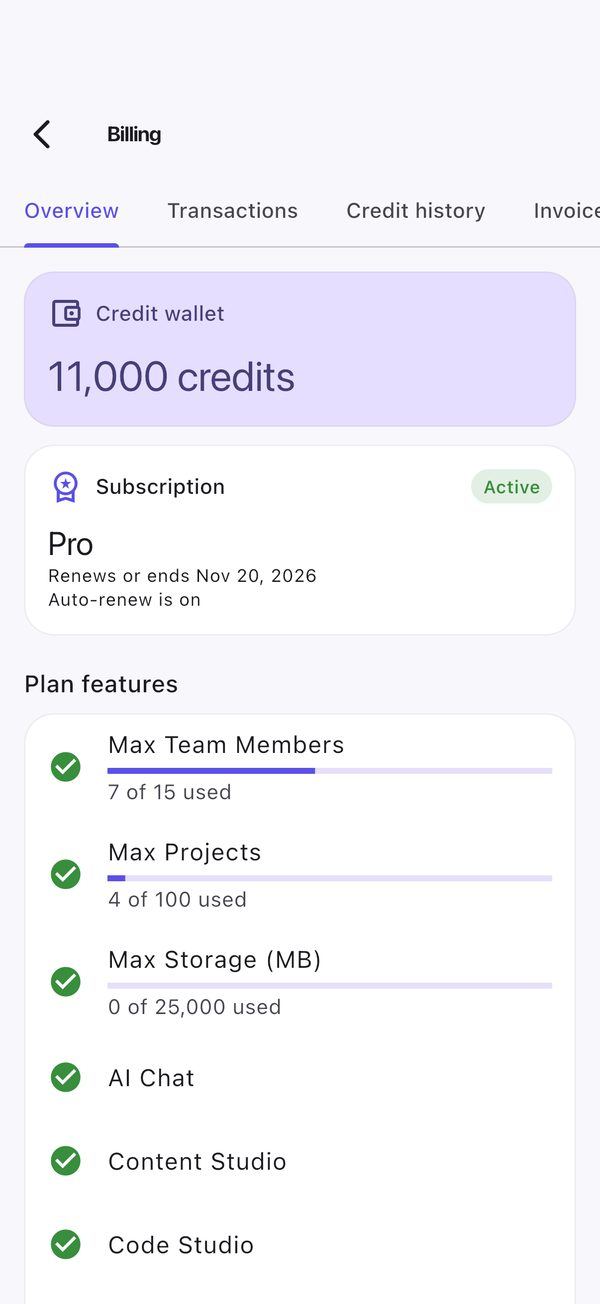
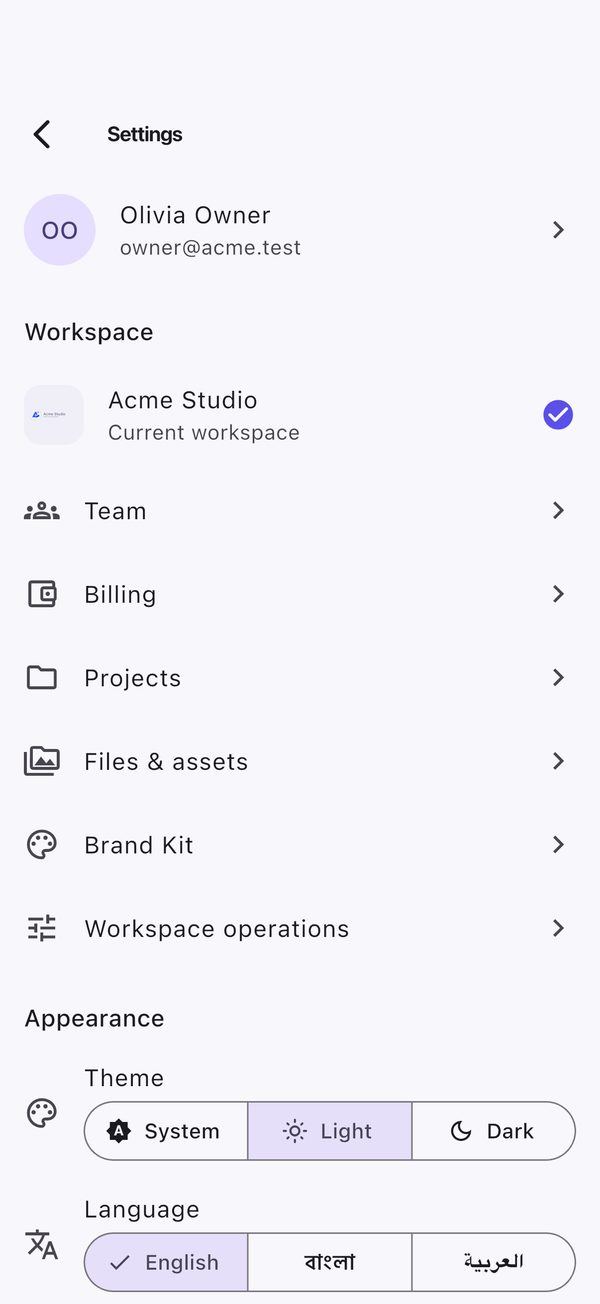
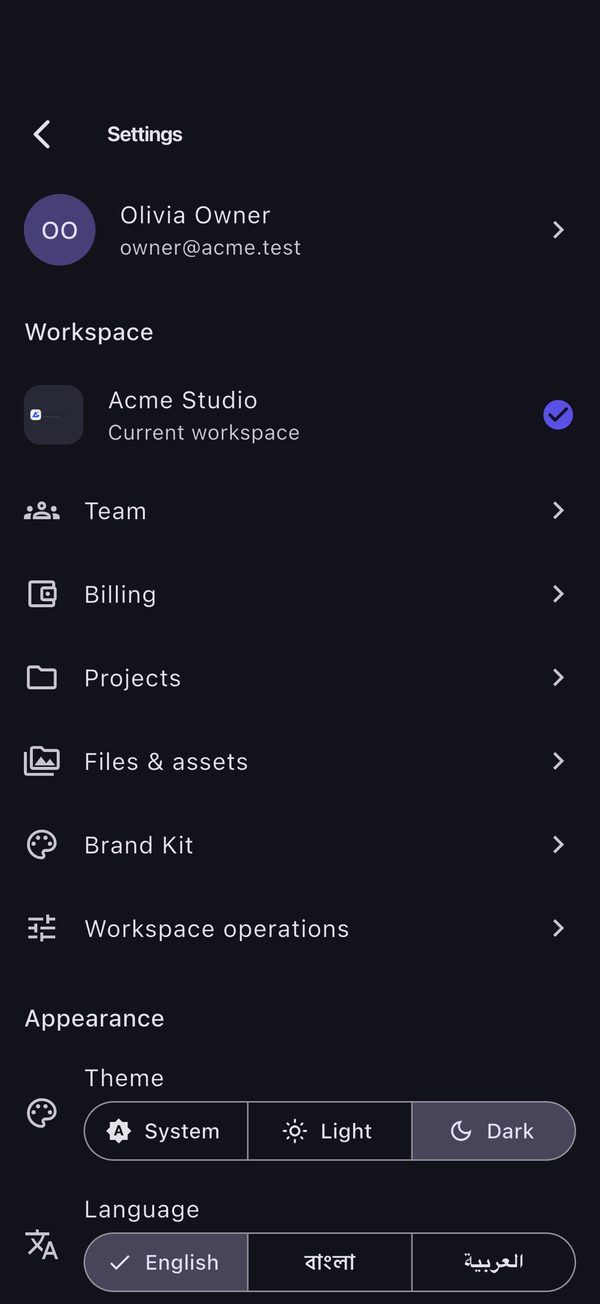
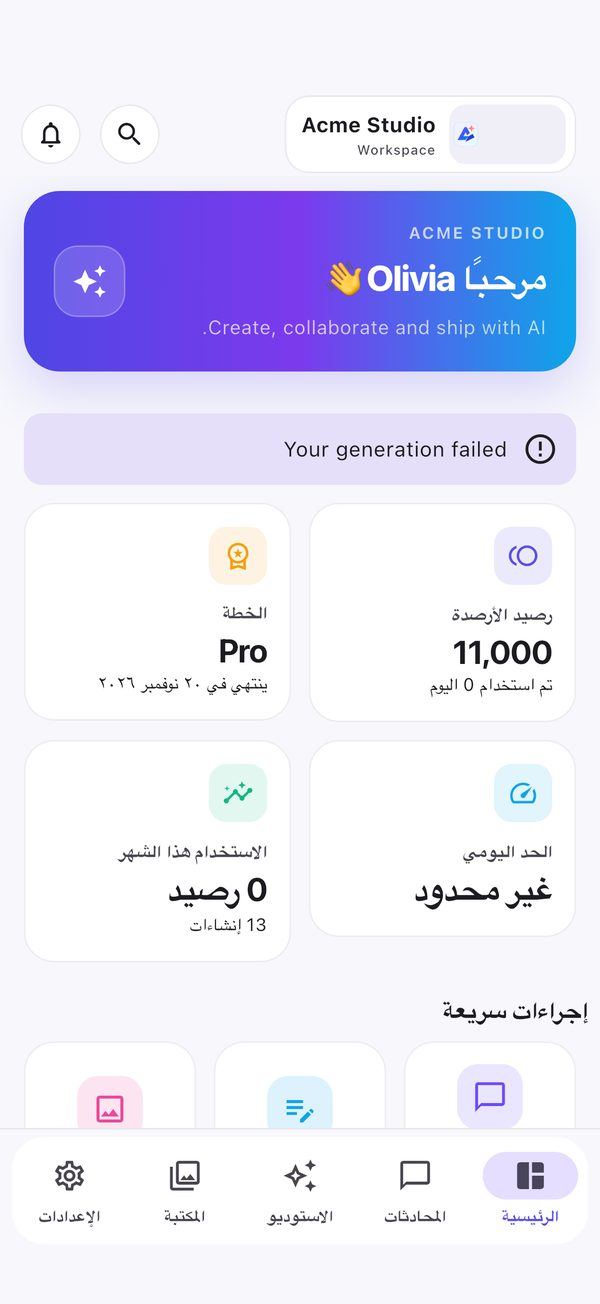
- Settings: workspace, team and invitations, billing (wallet, plan, transactions, invoices; on Android top-ups open the web checkout in the external browser, on iOS there are no purchases in the app), projects, files, brand kit, theme light/dark/system, language English/Bangla/Arabic (RTL).
- Mobile-native: FCM push with notification actions, deep links (
omnigenix://and app links), Android share intents, draft autosave, offline outbox that syncs when the connection returns, universal search, update-required gate, accessibility (dynamic text, screen-reader labels, contrast, reduced motion).
SaaS administration, provider credentials, payment-gateway configuration, CMS and system settings stay in the web admin.
Screens
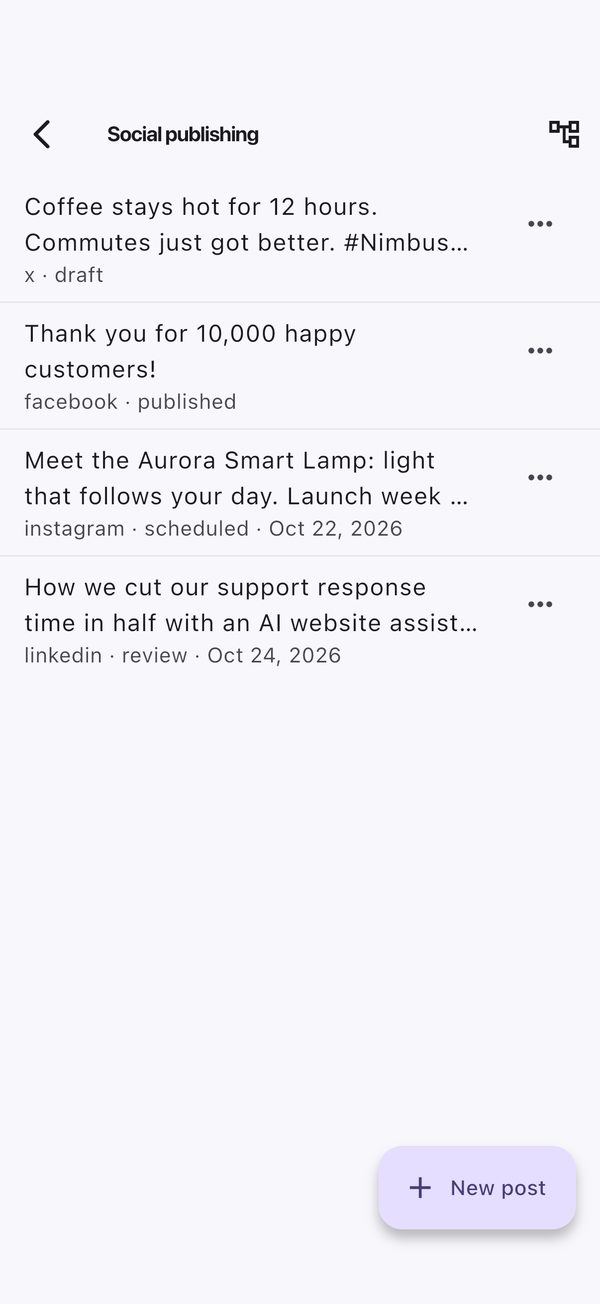
Captured on an iPhone 16 Pro simulator against the seeded demo workspace.
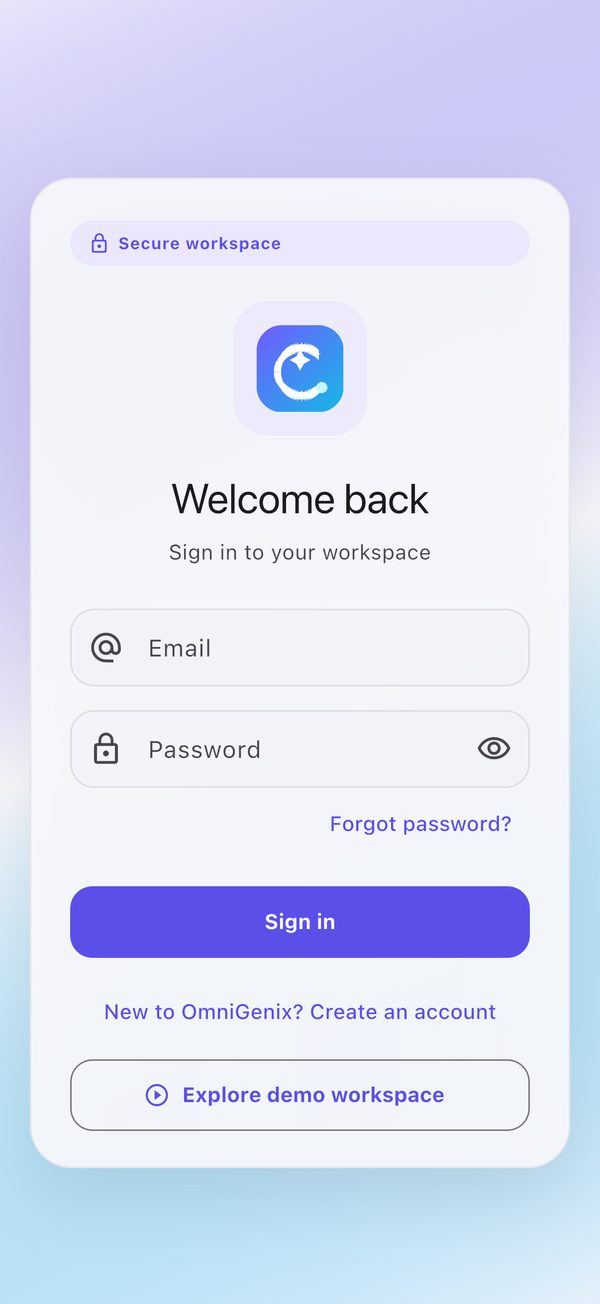
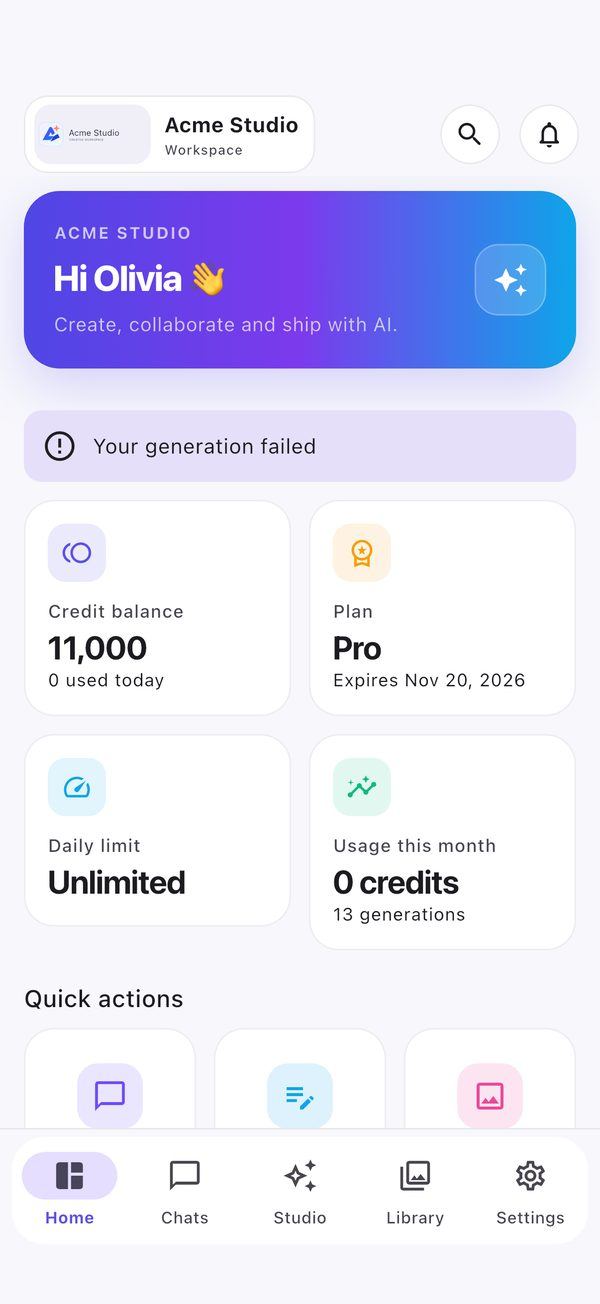
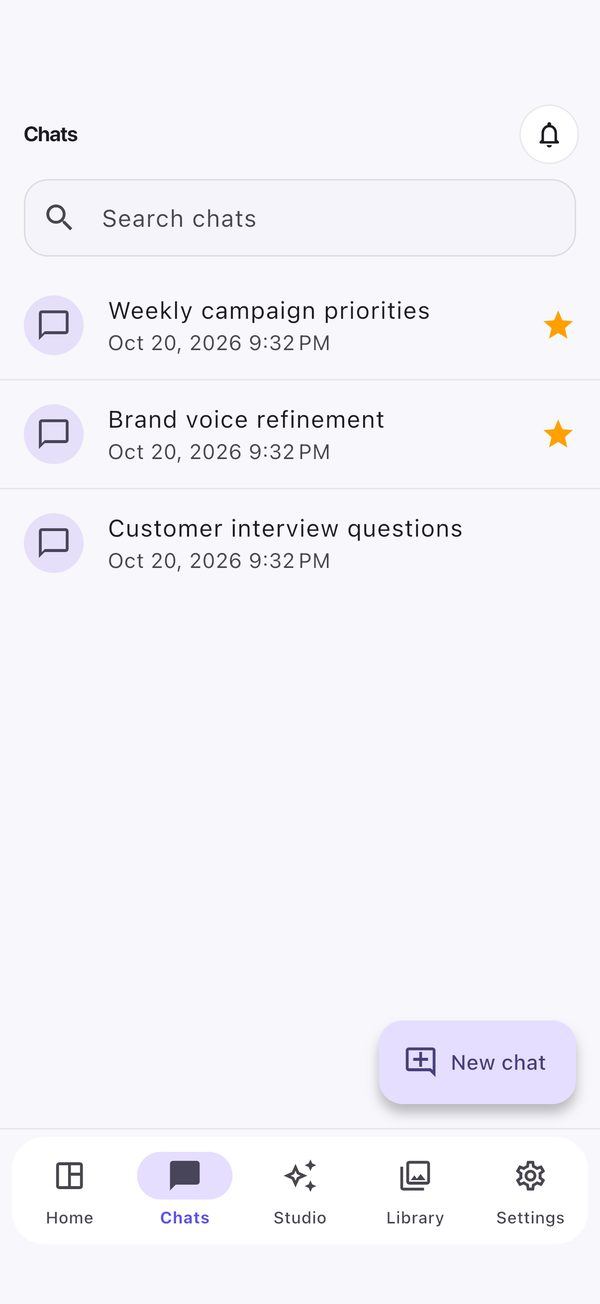
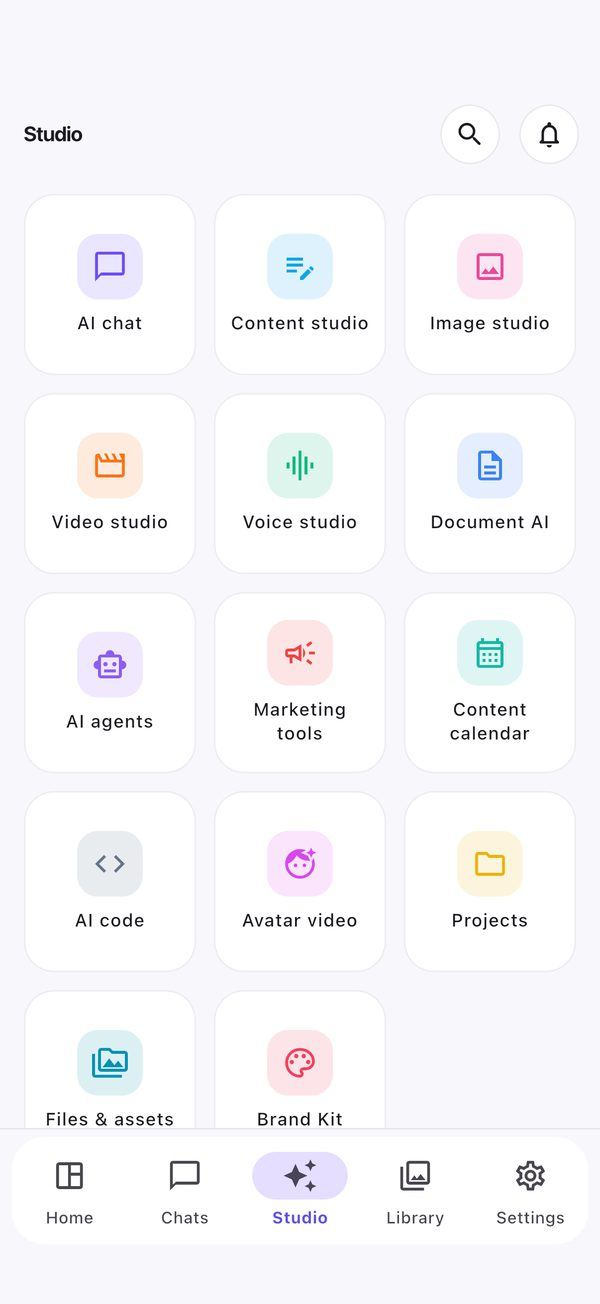
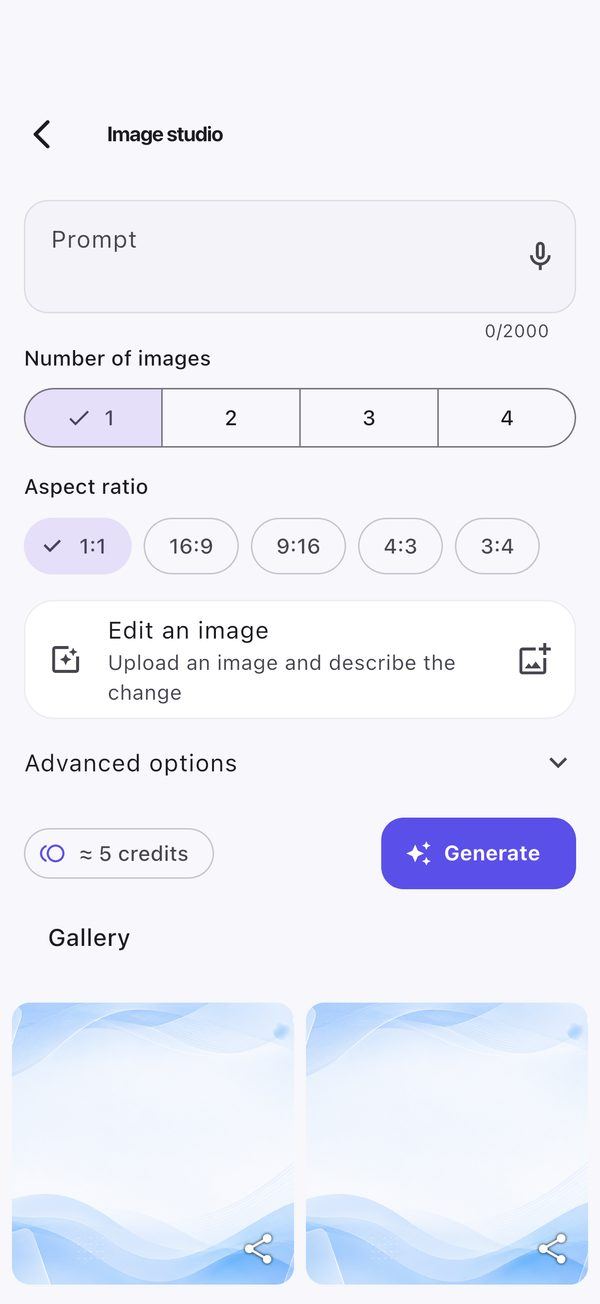
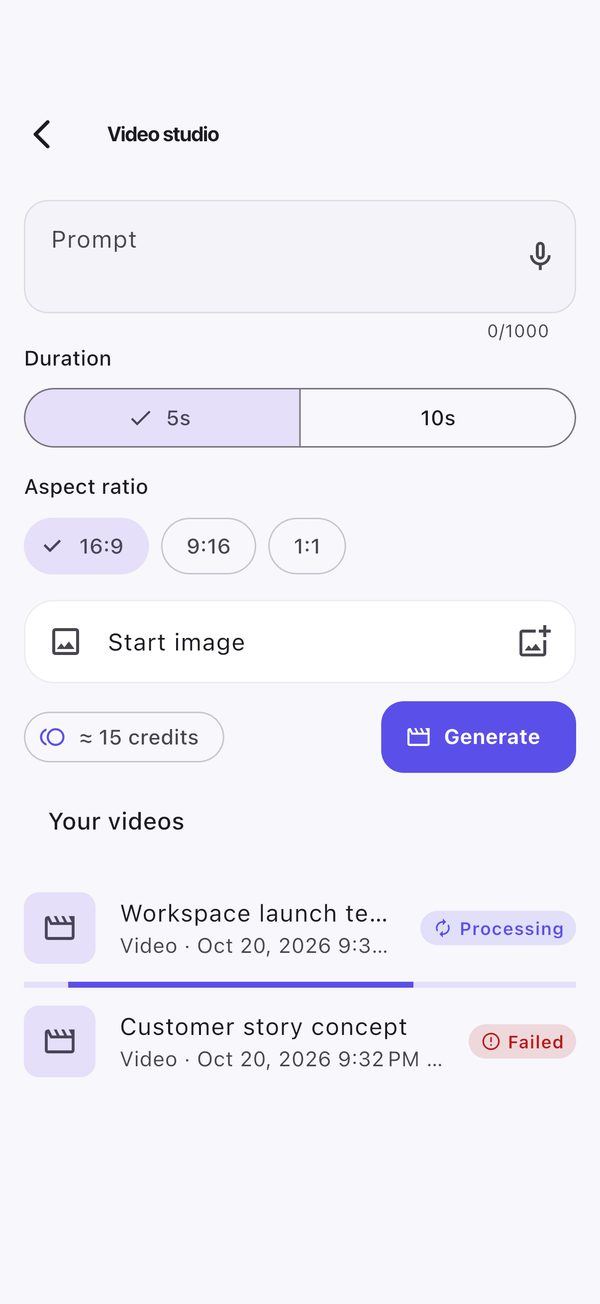
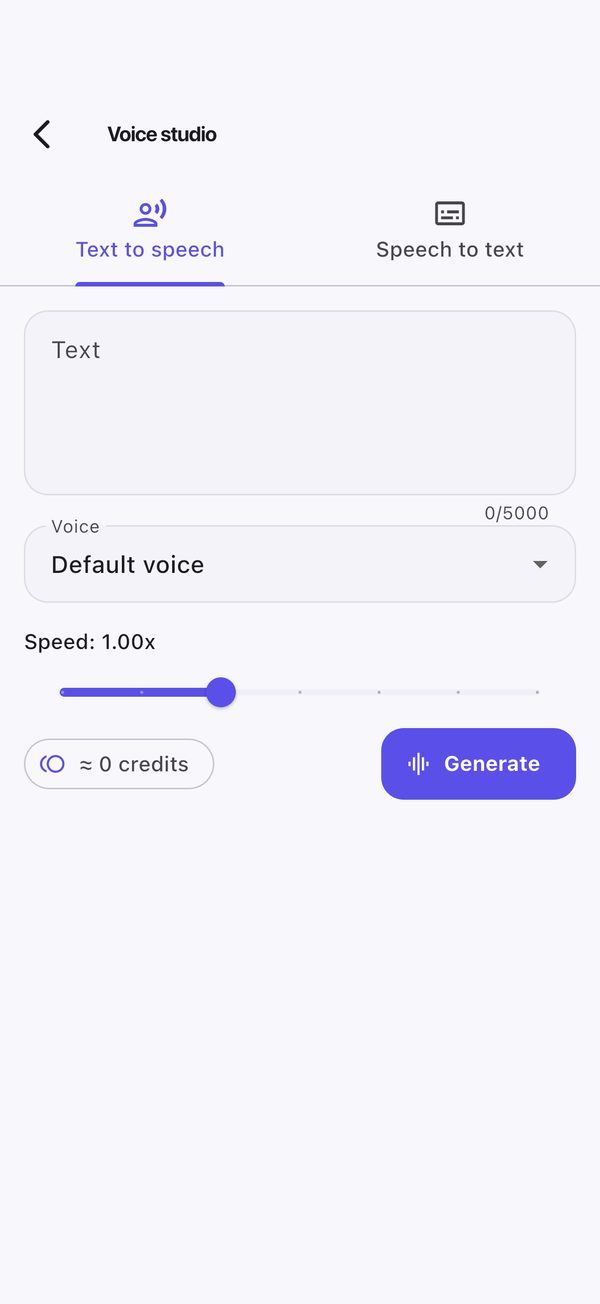
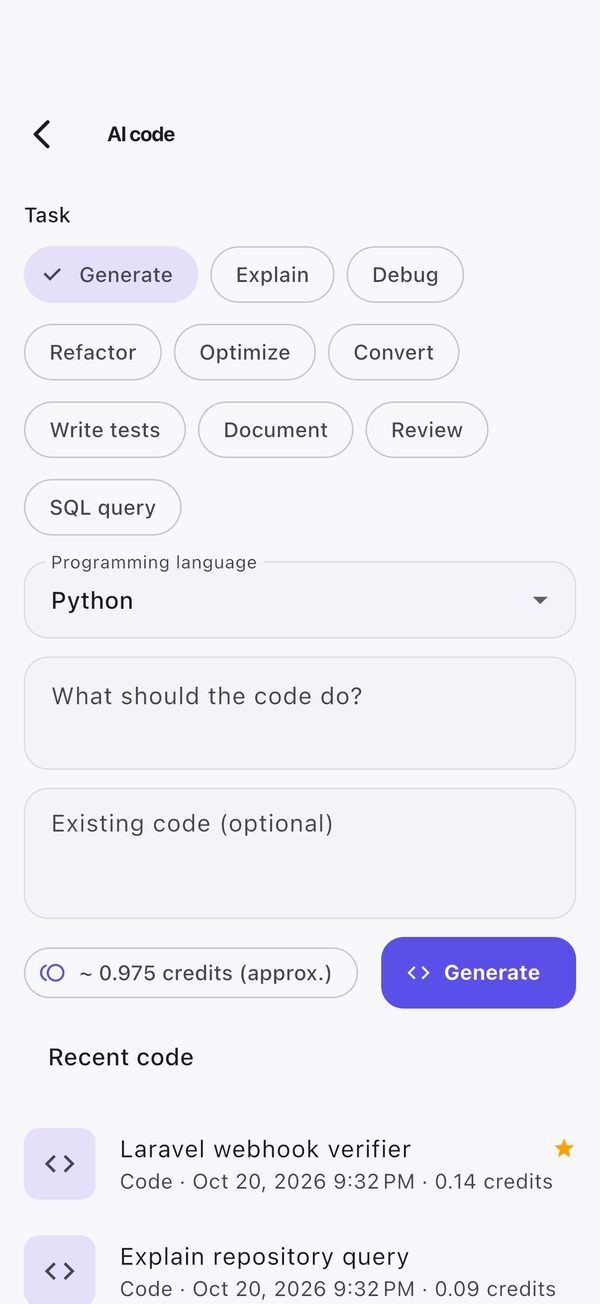
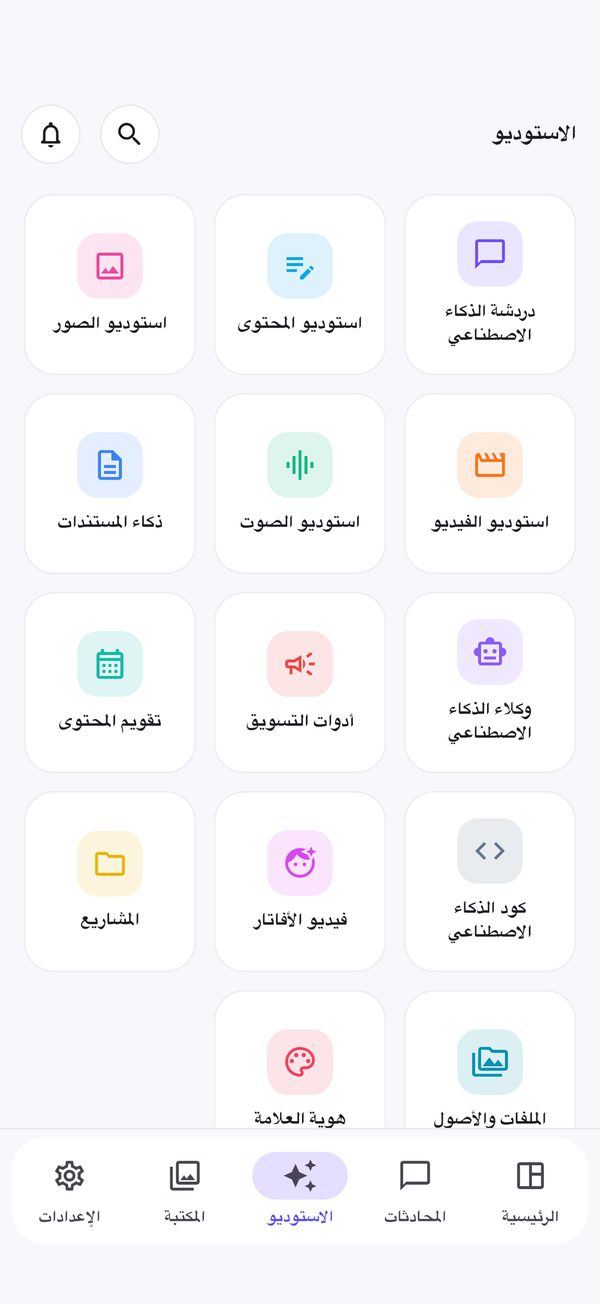
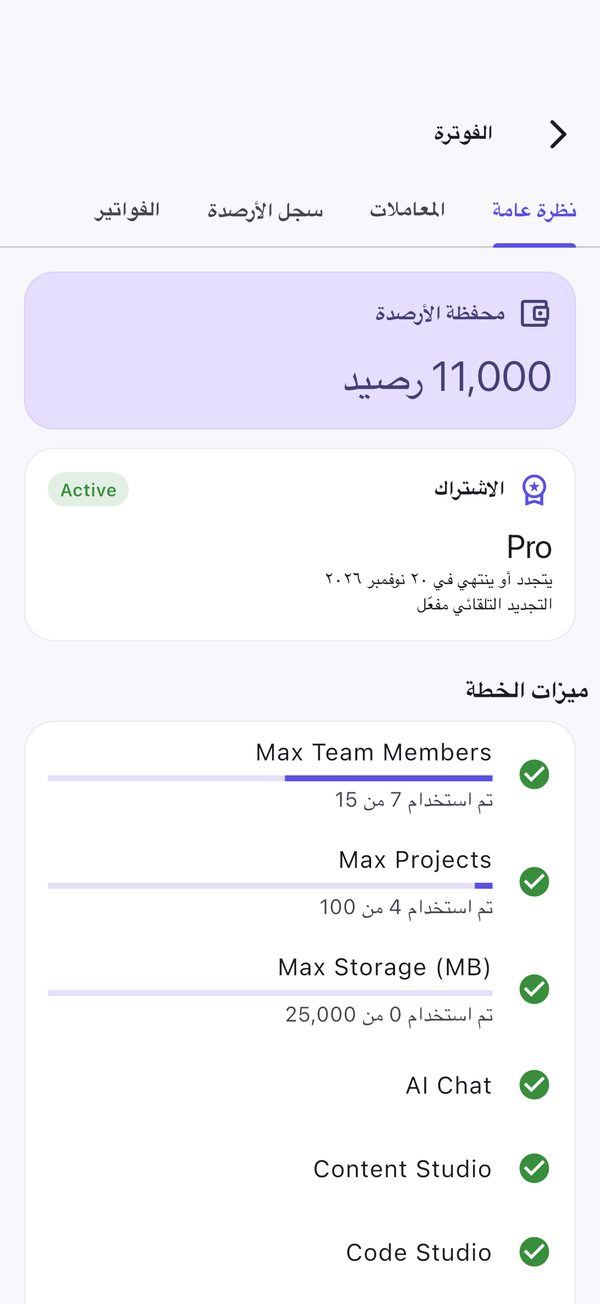
Requirements
| Item | Notes |
|---|---|
| Flutter SDK | Stable channel with Dart 3.12 or newer (pubspec.yaml: sdk: ^3.12.0) |
| Android | Android Studio, JDK 17 and Android SDK Platform 37 (API level 37; Android Studio → SDK Manager → SDK Platforms). android/app/build.gradle.kts sets compileSdk = 37 (required by receive_sharing_intent), targetSdk = 36 and minSdk = 24 (Android 7.0), all explicit integers. Platform 37 is the only SDK platform you must install. |
| iOS | A Mac with Xcode and CocoaPods; your own Apple Developer team. Deployment target iOS 15.0. |
| Backend | A running OmniGenix AI web install reachable over HTTPS (release builds block plain HTTP) |
| Push (optional) | Your own Firebase project (see Before You Start) |
| Stores | Google Play Console and/or Apple Developer Program accounts |
Setup & Run
cd AppSourceCode
flutter pub get
flutter gen-l10n
cp dart_defines.example.json dart_defines.json     # then edit API_BASE_URL (and FIREBASE_* for push)
flutter run --dart-define-from-file=dart_defines.json
API_BASE_URL is the root URL of your web install, e.g. https://app.example.com; a bare domain also works, and the app adds /api/v1 itself. If you pass nothing, the app uses the neutral placeholder https://omnigenix.example.com (AppConfig.placeholderBaseUrl in lib/core/config/app_config.dart), which does not exist: always set your own URL. In debug and profile builds testers can change the server at runtime by long-pressing the logo on the login screen; release builds always use the compiled URL.
Local development against php artisan serve: copy dart_defines.local.example.json instead (Android emulator reaches your computer at http://10.0.2.2:8000). Plain HTTP works only in debug builds.
flutter analyze
flutter test
dart_defines.json is gitignored; keep your real values out of version control.
--dart-define Keys
All configuration is passed at build time (--dart-define or --dart-define-from-file), so the repository holds no secrets (lib/core/config/app_config.dart, lib/core/services/push_service.dart).
| Define | Required | Purpose |
|---|---|---|
API_BASE_URL | yes | Your platform URL, e.g. https://app.example.com. Must be HTTPS in release builds (cleartext is disabled). Default: placeholder https://omnigenix.example.com. |
FIREBASE_API_KEY, FIREBASE_APP_ID, FIREBASE_SENDER_ID, FIREBASE_PROJECT_ID | for push, if you do not add the Firebase files | Values from Firebase console → Project settings → your app |
FIREBASE_IOS_BUNDLE_ID | for iOS push | Usually the same as the bundle id |
ANDROID_WEB_CHECKOUT | no | true (default): Android opens the web checkout for credit top-ups. false: no purchases in the Android app either (iOS never shows them). |
Without the Firebase files or defines, Firebase initialisation is skipped silently and push notifications are disabled; everything else works.
Firebase Push
Create your own Firebase project
In the Firebase console, accept the terms, then add an Android app with your
applicationId(defaultcom.omnigenix.app) and an iOS app with your bundle id. Rebrand first (see Rebrand the App) so the ids match.Android
Place
google-services.jsoninandroid/app/. The Google Services Gradle plugin is applied only when that file exists. The file is gitignored.iOS
Add
GoogleService-Info.plisttoios/Runner/in Xcode, keep the Push Notifications and Background Modes → Remote notifications capabilities, and upload your APNs authentication key (Apple Developer → Keys) in Firebase → Project settings → Cloud Messaging.Or use defines
Instead of the two files you can pass the
FIREBASE_*defines shown above.Server side
In the web admin open Settings → Push Notifications, paste the service-account JSON of the same Firebase project (Project settings → Service accounts → Generate new private key) and save (see Web Platform → Push). Push is sent from the queue, so a queue worker or
QUEUE_VIA_SCHEDULER=truemust run.
FCM itself has no per-message fee; Firebase bills only for other products on the Blaze plan. Read the current Firebase pricing page for your project.
Sign-in Methods
The app signs users in with e-mail and password against /api/v1 (registration, e-mail-code verification and password reset included). It does not include Google Sign-In, Sign in with Apple or any other social login (pubspec.yaml has no google_sign_in or sign_in_with_apple package), so you do not need to create OAuth clients for the app. Because there is no third-party login, Apple’s rule that apps offering third-party sign-in must also offer Sign in with Apple does not apply.
The “social” OAuth apps configured in the web admin (Settings → Social publishing) are for publishing posts to companies’ social networks, not for signing in.
Deep Links & App Links
Invitations, projects, shared assets and notifications open in the app. HTTPS links on your domain are the primary form, with the custom scheme omnigenix:// as a fallback (for example omnigenix://invite/TOKEN, omnigenix://projects/12). Paths opened natively: /invite/*, /invitations/*, /join/*, /projects/*, /s/*, /share/*, /app/*.
| Platform | App side | Web side (served automatically by the web app) |
|---|---|---|
| Android App Links | Set the Gradle property appLinkHost, e.g. ORG_GRADLE_PROJECT_appLinkHost=app.example.com before flutter build (or -PappLinkHost= with Gradle directly); default host omnigenix.example.com. The manifest intent filter uses autoVerify. | https://YOUR-DOMAIN/.well-known/assetlinks.json from MOBILE_ANDROID_PACKAGE (default com.omnigenix.app) and MOBILE_ANDROID_SHA256 (comma-separated SHA-256 signing-certificate fingerprints) in the web .env |
| iOS Universal Links | Set APP_LINK_HOST in the Runner target’s build settings (default omnigenix.example.com); Runner.entitlements uses applinks:$(APP_LINK_HOST). | https://YOUR-DOMAIN/.well-known/apple-app-site-association (also at /apple-app-site-association) from MOBILE_IOS_TEAM_ID and MOBILE_IOS_BUNDLE_ID (default com.omnigenix.app) |
Get the Android SHA-256 fingerprint of your upload/app-signing key with keytool -list -v -keystore ~/omnigenix-upload.jks -alias upload, or from Play Console → App integrity when Play App Signing is on (use the app signing key fingerprint for Play builds). After editing the web .env, run php artisan config:clear.
Rebrand the App
Do this before your first store upload: the package name / bundle id cannot be changed after publishing. Values below are the shipped defaults.
| What | Default | Where to change it |
|---|---|---|
| App name (home screen) | OmniGenix AI | android:label in android/app/src/main/AndroidManifest.xml; CFBundleDisplayName and CFBundleName in ios/Runner/Info.plist; AppConfig.appName in lib/core/config/app_config.dart. Also the app name inside the permission texts of Info.plist (NSFaceIDUsageDescription, camera, microphone, speech…) and the strings in lib/l10n/app_*.arb. |
| Android application id + namespace | com.omnigenix.app | namespace and applicationId in android/app/build.gradle.kts; move android/app/src/main/kotlin/com/omnigenix/app/MainActivity.kt to the matching folder and update its package line. |
| iOS bundle id | com.omnigenix.app (tests: com.omnigenix.app.RunnerTests) | Xcode → Runner target → Signing & Capabilities (PRODUCT_BUNDLE_IDENTIFIER in ios/Runner.xcodeproj/project.pbxproj). Also set MOBILE_IOS_BUNDLE_ID and MOBILE_ANDROID_PACKAGE in the web .env. |
| Development team | none (empty) | Xcode → Runner target → Signing & Capabilities → Team: pick your team. The project ships without a team id. |
| App Group (share extension) | group.com.omnigenix.app | CUSTOM_GROUP_ID build setting of the Runner target (and of the ShareExtension target if you add it); register the group in your Apple Developer account. |
| Custom URL scheme | omnigenix | android:scheme="omnigenix" in AndroidManifest.xml, CFBundleURLSchemes (and CFBundleURLName com.omnigenix.app.deeplink) in Info.plist, and the scheme check in lib/core/services/deep_link_service.dart. |
| App-link / Universal-link host | omnigenix.example.com | Gradle property appLinkHost (Android) and APP_LINK_HOST build setting (iOS); see Deep Links. |
| Colours | seed #6D4AFF, primary #5B4FE9, secondary #0EA5E9 | lib/app/theme/app_theme.dart (light and dark schemes, surfaces, cards). |
| Logo inside the app | assets/brand/omnigenix-mark.png | Replace the PNG (keep the file name, or change the path in pubspec.yaml → flutter: assets: and in the code that loads it). |
| Launcher icon | OmniGenix icon | flutter_launcher_icons is already configured in pubspec.yaml (dev dependency plus a flutter_launcher_icons: block for Android and iOS). Replace the 1024×1024 PNGs it points to with your own: assets/brand/launcher-foreground.png and launcher-background.png (Android adaptive icon), assets/brand/omnigenix-mark.png (older Android) and assets/brand/launcher-ios.png (iOS, full square, no transparency). Then run dart run flutter_launcher_icons; it rewrites android/app/src/main/res/mipmap-* and ios/Runner/Assets.xcassets/AppIcon.appiconset. |
| Splash / launch screen | white background | Android: android/app/src/main/res/drawable*/launch_background.xml and values*/styles.xml; iOS: ios/Runner/Base.lproj/LaunchScreen.storyboard and Assets.xcassets/LaunchImage.imageset. No flutter_native_splash config ships; add it if you prefer generating the splash. |
| Version | 1.0.0+1 | version: in pubspec.yaml (version name + build number); raise the build number for every store upload. |
| Strings / languages | en, bn, ar (660 keys each) | lib/l10n/app_en.arb, app_bn.arb, app_ar.arb, then flutter gen-l10n; CFBundleLocalizations in Info.plist. |
| Server URL | placeholder https://omnigenix.example.com | API_BASE_URL define (see --dart-define Keys) or placeholderBaseUrl in app_config.dart. |
| Server switch | debug builds only | Long-pressing the logo on the login screen opens a server field in debug and profile builds (AppConfig.serverOverrideEnabled). Release builds have no server switch and no demo login; nothing to remove before you publish. |
After renaming ids, run flutter clean && flutter pub get, then cd ios && pod install, and add the new ids in Firebase (new google-services.json / GoogleService-Info.plist).
Android Release
Create an upload keystore once
keytool -genkey -v -keystore ~/omnigenix-upload.jks -keyalg RSA -keysize 2048 -validity 10000 -alias uploadAdd key.properties
Copy
android/key.properties.exampletoandroid/key.propertiesand fill instoreFile,storePassword,keyAlias,keyPassword. The file is gitignored: never commit it or the keystore, and back both up (a lost upload key needs a Play support reset).Build
Use the command below.
flutter build apk --releasebuilds a sideloadable APK instead.
ORG_GRADLE_PROJECT_appLinkHost=app.example.com \
  flutter build appbundle --release \
  --obfuscate --split-debug-info=build/symbols \
  --dart-define-from-file=dart_defines.json
- Signing is required. A release build (
flutter build apk|appbundle,flutter run --release) stops before compiling withRELEASE SIGNING NOT CONFIGUREDwhenandroid/key.propertiesis missing or incomplete. There is no debug-key fallback. Debug and profile builds need no keystore. - R8 is on for release builds (
isMinifyEnabled = true,isShrinkResources = true, rules inandroid/app/proguard-rules.pro). Release builds also disable cleartext HTTP. - Dart obfuscation:
--obfuscate --split-debug-info=build/symbolsobfuscates Dart code and writes the symbol files tobuild/symbols. Keep that folder for every release; you need it to read crash stack traces (flutter symbolize -i <trace> -d build/symbols/app.android-arm64.symbols).
iOS Release
Open the workspace
ios/Runner.xcworkspacein Xcode (runpod installinios/first).Signing
The project ships without a development team. Select your own Team and set your bundle id on the Runner target (and on the ShareExtension target if you add it). Register the App Group and the Associated Domains capability for your id, and set
APP_LINK_HOSTfor Universal Links.Build
flutter build ipa --release --obfuscate --split-debug-info=build/symbols --dart-define-from-file=dart_defines.jsonUpload
Upload
build/ios/ipa/*.ipawith Xcode Organizer or Transporter.
Runner.entitlements sets aps-environment to development; Xcode switches it to production for App Store / TestFlight builds.
Version Gate
The app calls GET /api/v1/app/version on start. Set these in the web .env after you publish: MOBILE_ANDROID_LATEST_VERSION, MOBILE_ANDROID_MIN_VERSION, MOBILE_ANDROID_STORE_URL and the MOBILE_IOS_* equivalents, plus MOBILE_RELEASE_NOTES. Below the latest version the app prompts to update; below the minimum it shows the update-required screen. MOBILE_MAINTENANCE=true with MOBILE_MAINTENANCE_MESSAGE shows a maintenance notice. Publish the new build first, then raise the versions, then run php artisan config:clear.
Store Submission
- Own package/bundle id, app name, icons, splash and signing (your upload keystore, your own Apple team).
API_BASE_URLpoints at your production HTTPS domain;https://YOUR-DOMAIN/api/v1/pinganswerspong.- Build in release mode: release builds have no demo login and no runtime server switch.
- Privacy policy URL: the platform serves CMS pages at
/page/{slug}(seeded Privacy Policy and Terms & Conditions); edit them for your business. - Store listings, screenshots and data-safety / privacy-label answers (the app uses camera, photos, microphone, speech recognition, Face ID and push; check the usage descriptions in
Info.plist). Mention Firebase if you enable push. - Reviewer test account on your server with sample content and credits.
Purchases (App Store 3.1.1): the app does not use in-app purchase. On iOS it shows the credit balance, plan, transactions and invoices but no top-up packages, checkout links or “top up” prompts (StorePolicy in lib/core/config/store_policy.dart); companies buy credits on the website. On Android top-ups open your web checkout in the external browser. Where Google Play requires Play Billing for your app, build with --dart-define=ANDROID_WEB_CHECKOUT=false to hide purchases on Android too.
Account deletion (Apple 5.1.1(v), Google Play): signed-in users can delete their account in the app under Settings → Profile → Delete account and Privacy & data → Delete account. The app asks for the password and calls DELETE /api/v1/account; the server refuses staff accounts and sole owners of workspaces that still have other members (the message is shown in the dialog). For Google Play’s data-deletion form, use your web workspace’s Privacy & data page as the deletion URL.
Accounts & Costs for the App
The item includes the app source code only. You open and pay for these accounts yourself; prices are set by the providers and change, so check their current pricing pages.
| Service | Needed for | Typical cost (check current pricing) |
|---|---|---|
| Google Play Console | Publishing the Android app | One-time registration fee (USD 25 at the time of writing) |
| Apple Developer Program | TestFlight and App Store, push certificates/keys, App Groups, Associated Domains | Yearly membership (USD 99 per year at the time of writing) |
| Firebase (FCM) | Push notifications (optional) | FCM is free on the Spark (no-cost) plan; the pay-as-you-go Blaze plan bills only for other Firebase products you choose to use |
| Your OmniGenix AI server | Everything the app shows (it is a client of your web install) | Hosting, domain and SSL; AI provider and payment costs are covered in Web Platform → Third-Party Services & Costs |
| A Mac with Xcode | Building and signing the iOS app | Hardware you provide (or a cloud Mac / CI service) |
Project Layout
lib/
  app/          routes, bindings, theme (app_theme.dart), root widget
  core/         config (app_config.dart), API client, storage, services (session, push,
                deep links, drafts, offline queue, transfers, app lock, status), shared widgets
  data/         models and repositories (one per API area)
  modules/      one folder per screen group (auth, home, chat, studio, image, video,
                voice, code, documents, projects, files, team, billing, ...)
  l10n/         app_en.arb, app_bn.arb, app_ar.arb
assets/brand/   in-app logo
android/        Gradle project (key.properties.example, proguard-rules.pro)
ios/            Xcode project (Runner, ShareExtension sources)
dart_defines.example.json, dart_defines.local.example.json
New screens are registered in lib/app/routes/app_pages.dart; new strings go in lib/l10n/app_en.arb and are translated in the other two ARB files.
Troubleshooting
Find the symptom, read the likely cause, apply the fix. Server-side problems are covered in Web Platform → Troubleshooting.
Connecting to the server
- Login asks for a 6-digit code, or the code is refused
Cause: the account has two-factor authentication turned on (users switch it on in the web app: user menu → Change Password → Two-factor authentication; company workspace Settings → Password & security, SaaS Admin Profile → Update password). The API answers
auth/loginwithtwo_factor_required: trueand achallenge_token; the app then shows its two-factor step and posts the code toPOST /api/v1/auth/two-factor.Fix: enter the current code from the authenticator app (check that the phone’s clock is set automatically), or tap Use a recovery code. The challenge expires after 5 minutes or 5 wrong codes; then sign in again. 429 = too many attempts. Lost phone and no recovery codes left: the server administrator can clear 2FA for that one account by setting
two_factor_secret,two_factor_recovery_codesandtwo_factor_confirmed_atof itsusersrow toNULL.
- App: 404 on every request, or “cannot reach server”
Cause:
API_BASE_URLwas not passed (the app then uses the placeholderhttps://omnigenix.example.com), points to the wrong host, or the web server does not route/api/v1(document root not set topublic/).Fix: Build with
--dart-define=API_BASE_URL=https://YOUR-DOMAIN(in a debug build you can also long-press the logo on the login screen to change the server).https://YOUR-DOMAIN/api/v1/pingmust returnpongin a browser.- App: 401 or “session expired” right after login
Cause: The web server or a proxy strips the
Authorizationheader, or the token was revoked (signed out from Devices & sessions).Fix: Keep the
HTTP_AUTHORIZATIONrewrite rule inpublic/.htaccess(Apache) or pass the header through in Nginx/CDN; test withcurl -H "Authorization: Bearer TOKEN" -H "Accept: application/json" https://YOUR-DOMAIN/api/v1/me. Sign in again if the token was revoked.- Works in debug, fails in the release build
Cause: The URL is plain
http://; release builds block cleartext traffic.Fix: Serve the platform over HTTPS with a valid certificate and use the
https://URL.
Push & links
- Push notifications do not arrive
Cause: No
google-services.json/GoogleService-Info.plist(orFIREBASE_*defines) in the build; the server’s service-account JSON is from a different Firebase project; no APNs key in Firebase (iOS); testing on the iOS simulator; notifications denied on the device; or no queue worker on the server.Fix: Use one Firebase project for app and server, paste its service-account JSON in Settings → Push Notifications, upload the APNs key, test on a real device with notifications allowed, and keep the queue worker running (Settings → System Status shows pending and failed jobs).
- Invite / project links open the browser instead of the app
Cause:
assetlinks.jsonorapple-app-site-associationis not served over HTTPS with the right package, SHA-256 fingerprint, team id and bundle id, or the build used a differentappLinkHost/APP_LINK_HOST.Fix: Set
MOBILE_ANDROID_PACKAGE,MOBILE_ANDROID_SHA256,MOBILE_IOS_TEAM_ID,MOBILE_IOS_BUNDLE_IDin the web.env,php artisan config:clear, openhttps://YOUR-DOMAIN/.well-known/assetlinks.jsonto check, rebuild with the same host, then reinstall the app (Android verifies links at install time).omnigenix://links do nothingCause: You changed the scheme in one place only.
Fix: Keep the scheme identical in
AndroidManifest.xml,Info.plistanddeep_link_service.dart.
Building & signing
- Android release build fails: “RELEASE SIGNING NOT CONFIGURED”
Cause:
android/key.propertiesis missing or one ofstoreFile,storePassword,keyAlias,keyPasswordis empty. This is intentional: release builds are never signed with the debug key.Fix: Create the keystore and
key.propertiesas in Android Release.storeFileis an absolute path or relative toandroid/app/.- Android build fails on the SDK version
Cause: Android SDK Platform 37 (API level 37) or JDK 17 is not installed.
Fix: Install them in Android Studio → SDK Manager and run
flutter doctor.- Release app crashes on start but debug works
Cause: R8 removed a class used by reflection in a plugin you added.
Fix: Add a
-keeprule for that package toandroid/app/proguard-rules.proand rebuild; read the de-obfuscated stack trace with the files inbuild/symbols.- iOS: “Signing for Runner requires a development team” or provisioning profile errors
Cause: The project ships without a team; or the App Group / Associated Domains / Push capability is not enabled for your bundle id.
Fix: In Xcode → Runner → Signing & Capabilities pick your team, set your bundle id, and let Xcode register the capabilities (or create the App Group
group.your.bundle.idand setCUSTOM_GROUP_IDto it).- “Update required” screen
Cause: The installed version is below
MOBILE_*_MIN_VERSIONon the server.Fix: Install the newer build, or lower the minimum version in the web
.envand runphp artisan config:clear.
